



Administrative Assistant Resume: The Ultimate Stress-Free Guide
Administrative Assistant Resume tips to create a standout application. Learn the best strategies to highlight your unique skills and experience effectively.
 Emily Johnson
Introduction
You've spent hours perfecting your administrative assistant resume, polishing every bullet point until it shines. You hit submit on another application, confident this time will be different. Then silence. The generic resume that worked five years ago simply doesn't cut it anymore, and you're left wondering why your qualifications aren't translating into callbacks.
Here's the reality: administrative assistants hold 3.5 million jobs across the United States, making this one of the largest occupational categories tracked by the Bureau of Labor Statistics. With roughly 358,300 openings projected every year due to turnover and retirements, competition remains fierce. Your resume isn't just competing against other candidates — it's competing against automated systems designed to filter out anything that doesn't precisely match what employers want.
The problem isn't your experience or skills. It's that over 97% of companies now use applicant tracking systems to screen administrative assistant resumes before human eyes ever see them. A one-size-fits-all approach gets lost in the digital shuffle, no matter how qualified you are. After reviewing thousands of resumes as a recruiter, I've seen talented professionals overlooked simply because their applications didn't speak the right language or highlight the right details.
This guide walks you through exactly why generic resumes fail and how to create a tailored application that gets past the bots and impresses hiring managers. You'll learn the specific elements that make administrative assistant resumes stand out, common mistakes that sink applications, and practical strategies to showcase your unique value. Whether you're entering the field or advancing your career, understanding how ATS reads resumes is the first step toward landing the role you deserve.
Let's transform your resume from generic to genuinely compelling.
Understanding the Need for Personalization
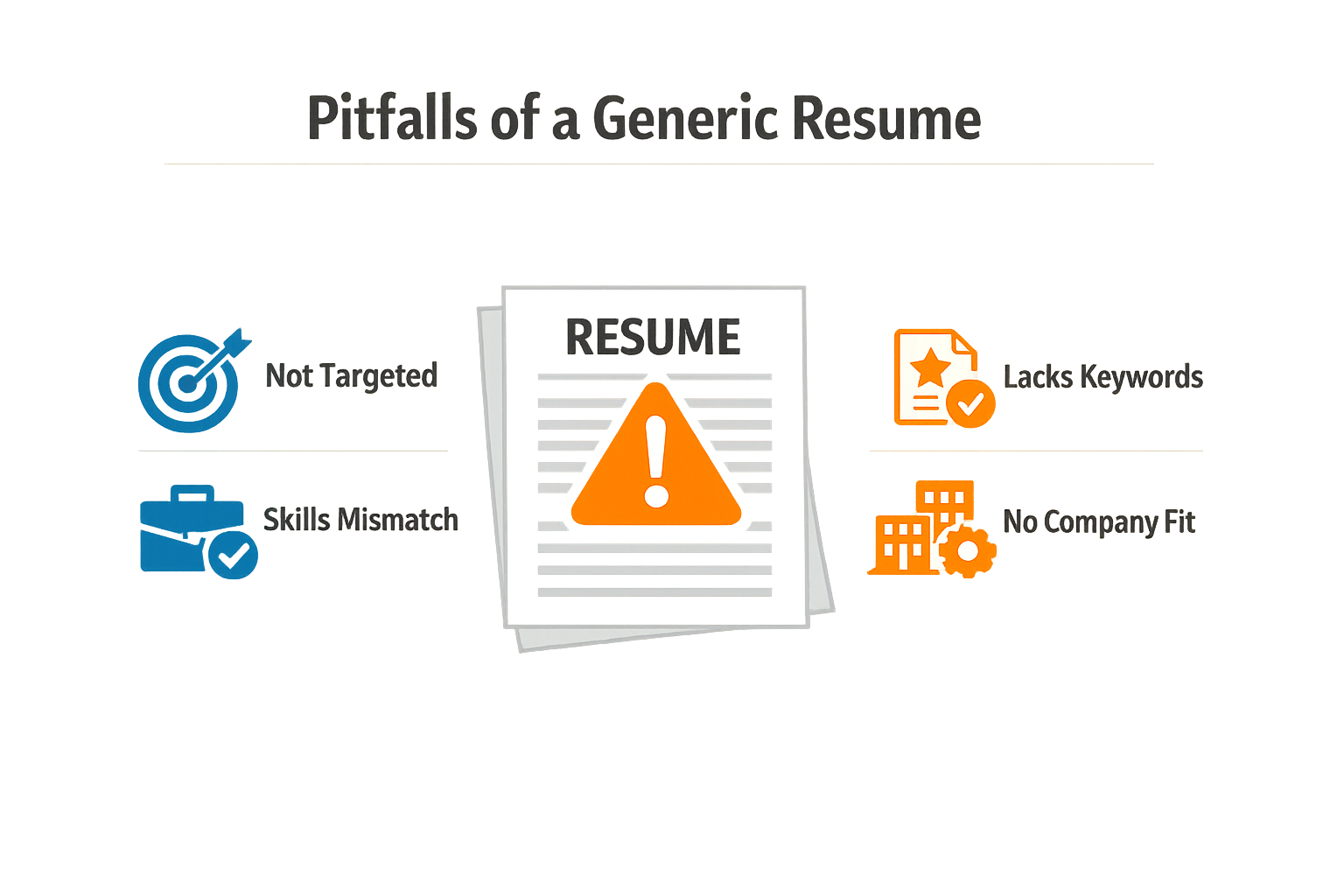
A generic administrative assistant resume treats every application like a photocopy—same duties, same buzzwords, same forgettable template. The problem? Hiring managers see dozens of these identical resumes daily, and most never make it past the first filter. When your resume reads like everyone else's, it signals that you haven't invested the effort to understand what makes this particular role different.
Why Generic Resumes Fail the First Test
Most companies today rely on Applicant Tracking Systems to screen resumes before human eyes ever see them. Over 97% of companies use ATS to filter administrative assistant resumes, making keyword placement critical for passing initial screenings. A generic resume lacks the specific language each job posting requires—terms like "calendar coordination," "vendor management," or "executive support"—and gets rejected automatically, no matter how qualified you are.
Beyond the technical filter, generic resumes fail to communicate your unique value. They list duties instead of demonstrating impact. "Answered phones" tells a hiring manager nothing about your ability to handle high-pressure situations or manage conflicting priorities—the actual skills that separate strong candidates from average ones.
The Shift from Duties to Achievements
The administrative role has evolved significantly. Your resume must reflect the evolution of the administrative role, moving away from duty-based language to achievement-based language that highlights impact metrics. Instead of "Managed executive calendars," a personalized resume shows "Coordinated scheduling for three C-level executives across four time zones, reducing scheduling conflicts by implementing a color-coded priority system."
A strong administrative assistant resume should reflect operational value and not just routine duties.
This shift matters because hiring managers aren't looking for someone who can perform tasks—they're looking for someone who can solve their specific problems. A generic resume can't demonstrate that understanding because it doesn't address the organization's particular challenges, whether that's managing high-volume communications, supporting remote teams, or streamlining office operations.
What Personalization Actually Means
Personalizing your administrative assistant resume doesn't mean rewriting it from scratch for every application. It means identifying the core competencies each employer values and adjusting your presentation to highlight relevant experience. If one posting emphasizes "cross-departmental collaboration" and another focuses on "technical proficiency with project management tools," your resume should mirror that language while showcasing genuine examples from your background.
The difference between a generic resume and a personalized one often comes down to specificity. Generic resumes say "proficient in Microsoft Office." Personalized resumes say "created 40+ Excel dashboards to track departmental KPIs, reducing monthly reporting time from three days to four hours." One describes a skill; the other proves you've applied it to deliver measurable results.
Understanding how ATS reads resumes can help you structure your content to pass both automated and human review. The systems look for evidence that you've done the work this employer needs—not just work in general.
Key Elements of an Effective Resume
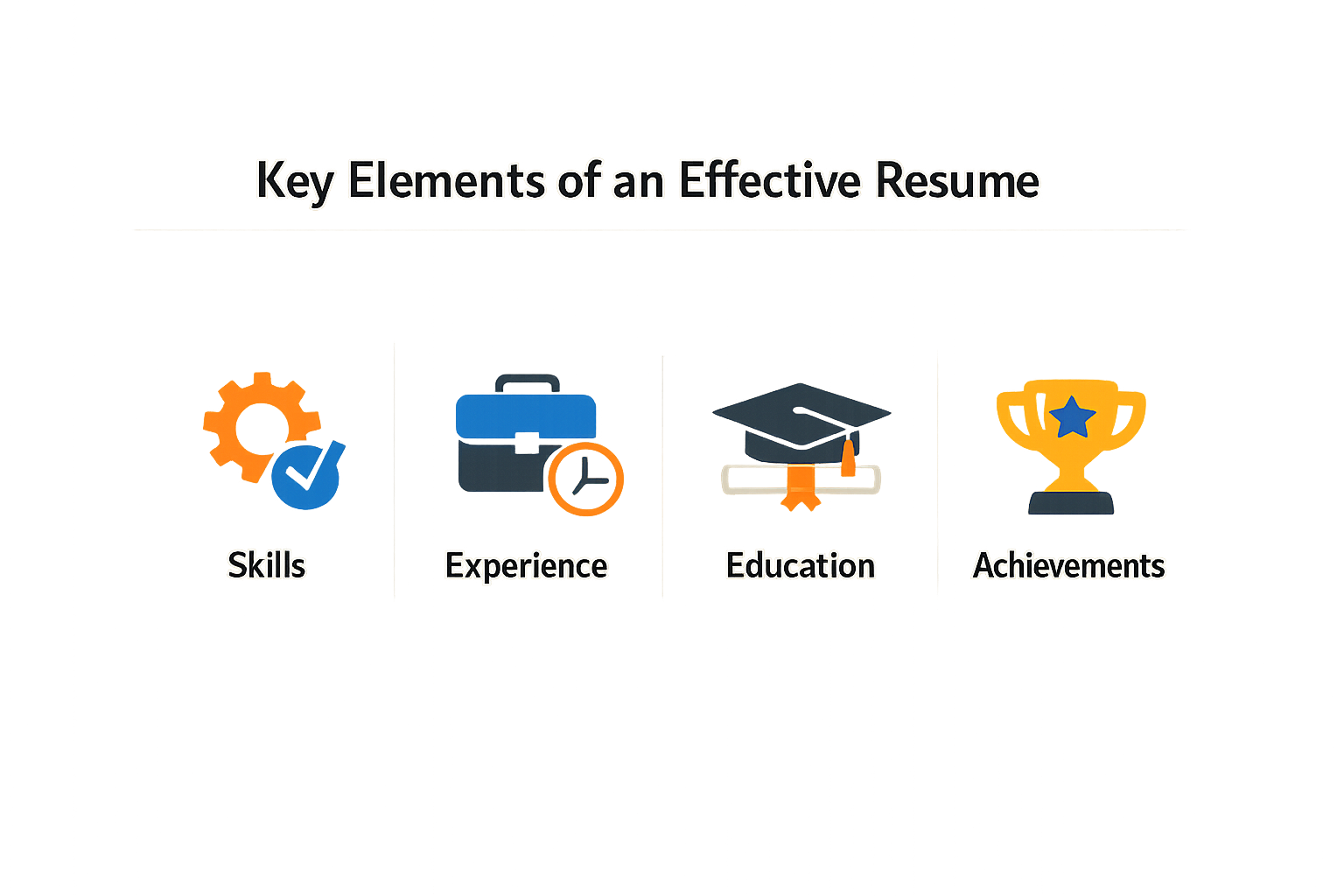
An effective administrative assistant resume isn't just a list of past jobs—it's a strategic document that demonstrates your ability to organize, communicate, and deliver measurable results. Every section should work together to show hiring managers exactly why you're the right fit for their team.
The strongest resumes combine clear structure with evidence of impact. They tell a story that connects your experience to the employer's needs, using language that both human recruiters and applicant tracking systems can understand.
The Professional Summary: Your Three-Sentence Pitch
Your summary section should open with three focused sentences. Start with your years of experience and any specialization, follow with the core tools and scope of your work, then close with one measurable achievement that demonstrates your value. This structure gives recruiters an immediate sense of who you are and what you bring to the table.
For example, instead of writing "Experienced administrative assistant seeking new opportunities," you might write: "Administrative assistant with five years supporting executive teams in fast-paced healthcare environments. Proficient in Microsoft Office Suite, Salesforce, and calendar management for teams of up to 15 people. Reduced meeting scheduling conflicts by implementing a centralized booking system."
Experience Section: Show Results, Not Just Responsibilities
Your work history should go beyond listing duties. Each bullet point under your past roles should demonstrate how you made things better, faster, or more efficient. Focus on quantified results whenever possible—numbers give hiring managers concrete evidence of your capabilities.
Instead of "Managed office supplies," write "Reduced office supply costs by implementing a quarterly ordering system that tracked usage patterns." The second version shows initiative and impact, not just task completion.
Step 1
Structure each experience entry
Start with your job title, company name, location, and dates. Follow with 3-5 bullet points that emphasize achievements over duties. Lead each bullet with an action verb and include specific outcomes where possible.
Skills Section: Match the Job Description
Your skills section should include both technical proficiencies and soft skills relevant to administrative work. List specific software platforms you've used—Microsoft Office Suite, Google Workspace, project management tools, scheduling systems, and any industry-specific applications. This section helps your resume pass through applicant tracking systems that scan for keyword matches.
Soft skills like "calendar management," "vendor coordination," "travel arrangements," and "meeting facilitation" demonstrate your operational capabilities. Choose skills that align with the language used in job postings you're targeting, as discussed in our guide on how ATS reads resumes.
Education and Certifications: Keep It Relevant
List your educational background in reverse chronological order, starting with your most recent degree or certification. For most administrative assistant positions, a high school diploma or associate degree is sufficient—you don't need to elaborate extensively unless you have specialized training relevant to the role.
Certifications can set you apart from other candidates. Include any credentials in Microsoft Office Specialist, project management, or administrative professional designations. If you've completed relevant training in industry-specific software or compliance areas, list those as well.
Contact Information and Professional Formatting
Place your contact information at the top of your resume: full name, phone number, professional email address, and LinkedIn profile URL if you have one. Make sure your email address sounds professional—avoid nicknames or overly casual handles.
Use consistent formatting throughout: the same font, heading style, and bullet point format in every section. Clean visual structure makes your resume easier to scan and signals attention to detail—a critical skill for administrative assistants.
Tailoring Your Resume for the Job
A generic administrative assistant resume gets lost in the stack. Every job posting tells you exactly what the employer values most—but only if you know how to read it. Tailoring your resume isn't about rewriting everything from scratch; it's about strategically adjusting your language, emphasis, and keywords to mirror the specific role you're pursuing.
Start with a Job Description Breakdown
Before you touch your resume, dissect the job posting. Separate the requirements into clear categories: core responsibilities, required tools and software, work environment details, and personal strengths they're seeking. This analysis reveals what matters most to the hiring manager and which of your experiences deserve front-and-center placement.
Step 1
Identify the support the employer needs
Read the job description twice. On the first pass, highlight every verb that describes what you'll be doing. On the second pass, circle every tool, system, or skill mentioned. Group these into responsibilities, tools, work environment, and personal strengths. This breakdown becomes your customization roadmap.
Step 2
Match your experience to their priorities
Now look at your own work history through the lens of those four categories. Which of your past roles used the same tools? Where did you handle similar responsibilities? Reorder your bullet points so the most relevant accomplishments appear first under each job title.
Embed Keywords That Pass ATS Screening
Applicant Tracking Systems scan for specific terms before a human ever sees your resume. If the job description mentions "calendar management" and "Microsoft Office Suite," those exact phrases need to appear in your resume—not synonyms, not close matches, but the precise keywords. Weave them naturally into your summary, skills section, and job descriptions.
Adjust Your Summary to Reflect the Role
Your professional summary should read like a direct response to the job posting. If the role emphasizes executive support, lead with your years supporting C-level leaders. If it's a fast-paced startup environment, highlight your ability to manage competing priorities with minimal oversight. This two-to-three sentence block is your elevator pitch—make it count.
For roles requiring specialized industry knowledge, mention relevant sectors you've worked in. A medical office administrative assistant has different workflow expertise than one in a law firm or tech company. If your background aligns with their industry, say so explicitly.
Quantify What You Customized
Numbers make your tailoring credible. If the job requires managing complex schedules, don't just say you "coordinated meetings"—specify that you "managed calendars for five executives across three time zones, scheduling an average of 40 meetings per week." If they want someone who improves processes, describe the efficiency gain you delivered: "Streamlined expense reporting workflow, reducing processing time by 30 percent."
The more your metrics align with what the job description emphasizes, the clearer it becomes that you've done this exact work before. You're not stretching the truth; you're simply choosing which accomplishments to spotlight based on what this particular employer cares about.
Tailoring isn't about inventing experience—it's about strategically emphasizing the parts of your background that solve this employer's specific problems.
Reframe Generic Duties as Role-Specific Wins
Every administrative assistant handles email, filing, and phone calls. The difference between a generic resume and a tailored one is how you describe those tasks. Instead of "Answered phones," write "Served as first point of contact for 200+ monthly client inquiries, routing requests to appropriate departments with 98 percent accuracy." The underlying task is the same, but the framing shows you understand what matters in a client-facing role.
If the job emphasizes confidentiality, highlight your experience handling sensitive information. If it's about cross-functional collaboration, emphasize your work coordinating between departments. The duties you performed stay the same; the lens through which you present them shifts to match the employer's priorities.
For more insights on how ATS systems evaluate resumes and what triggers rejections, see our guide on How ATS Reads Resumes: The Ultimate Guide to Surprising Success.
Common Mistakes to Avoid
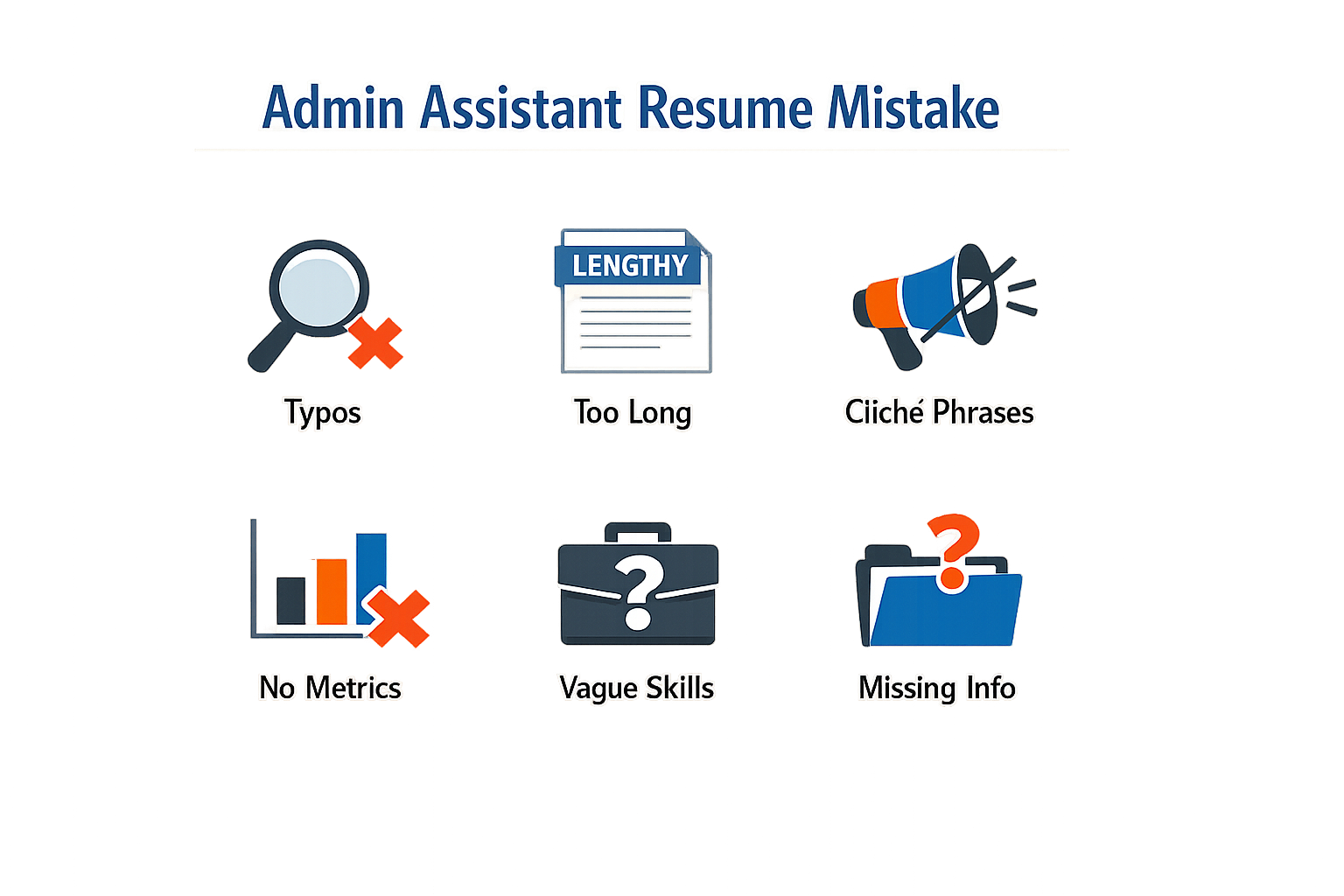
Even experienced administrative assistants make preventable errors that cost them interviews. The reality is harsh: hiring managers spend an average of six seconds scanning resumes before deciding whether to continue reading. In that brief window, common mistakes can eliminate you from consideration before anyone reads your qualifications.
The Responsibilities vs. Results Trap
The most damaging mistake is listing what you were responsible for instead of what you accomplished. Writing "Responsible for scheduling meetings" tells a hiring manager nothing about your impact. Every administrative assistant schedules meetings—that's table stakes.
Instead, focus on outcomes. What happened because you scheduled those meetings efficiently? Did you reduce scheduling conflicts? Improve executive productivity? The difference between listing responsibilities and demonstrating results is often the difference between an interview and silence.
Template and Formatting Errors
Two-column templates are surprisingly common on administrative assistant resumes, and they're a liability. Many applicant tracking systems struggle to parse multi-column layouts correctly, which means your carefully crafted content may appear scrambled or incomplete to the recruiter.
Stick to a single-column format with clear section headers. Use standard fonts and avoid graphics, tables, or text boxes that confuse parsing software. Your resume needs to survive the ATS screening process before a human ever sees it.
Generic Language and Weak Verbs
Phrases like "helped with" or "assisted in" undermine your authority. You weren't just helping—you were executing, coordinating, managing. Weak language suggests you played a supporting role when you likely owned significant processes.
Replace passive constructions with active ones. "Assisted with event planning" becomes "Coordinated quarterly company events for 200+ attendees." The second version positions you as the driver, not the assistant to the assistant.
Overlooking the Obvious
Typos, inconsistent formatting, and missing contact information still appear on resumes. These aren't small issues—they signal a lack of attention to detail, which is fatal for an administrative role. If you can't proofread your own resume, how will you handle executive correspondence?
Always include your phone number, professional email, and LinkedIn profile. Use the same date format throughout. Ensure your tenses are consistent (past roles in past tense, current role in present). These details matter more for administrative positions than almost any other role.
The One-Size-Fits-All Approach
Sending the same resume to every posting is perhaps the most common mistake of all. Each job description contains clues about what matters most to that employer. Ignoring those clues and hoping your generic version will somehow stand out is wishful thinking.
Customization doesn't mean rewriting your entire work history. It means emphasizing the experiences and skills that align with each specific role. If the posting mentions calendar management three times, your calendar management achievements should be prominent and quantified.
Using Action Words and Quantifiable Results
The difference between a resume that lands interviews and one that gets passed over often comes down to two elements: the verbs you choose and the numbers you include. Hiring managers scan dozens of administrative assistant resumes daily, and they stop on the ones that show impact, not just responsibility. A bullet that reads "responsible for managing calendars" tells them nothing about your effectiveness. A bullet that reads "coordinated 40+ executive meetings monthly with zero scheduling conflicts" proves you deliver results.
Start Every Bullet with a Strong Action Verb
Generic verbs like "handled," "managed," or "responsible for" drain energy from your resume. They describe tasks without demonstrating skill. Instead, lead with verbs that convey precision and initiative: coordinated, streamlined, implemented, resolved, optimized, or facilitated. These words signal that you don't just complete assignments—you improve systems and solve problems.
When you write your work experience, picture the hiring manager asking, "What did this person actually do?" Your verb should answer that question in one word. If you supported executives, did you coordinate their schedules, or did you optimize their workflows? If you managed office supplies, did you order them, or did you reduce costs by negotiating vendor contracts? The stronger your verb, the clearer your value.
Anchor Every Achievement with a Measurable Outcome
Numbers transform vague claims into concrete proof. Every work experience bullet needs a metric: number of executives supported, meeting volume, budget size, error rate, or time saved. Hiring managers trust what they can measure. When you write "reduced filing errors by 32% in six months by implementing a new digital tracking system," you give them a benchmark. When you write "improved filing accuracy," you give them nothing to evaluate.
Start each bullet with a strong verb and end with a measurable outcome—a dollar figure, a percentage, a volume, or a time saved. If you coordinated travel, how many trips per quarter? If you processed invoices, what was the monthly volume? If you managed a calendar, how many stakeholders did you juggle? Even approximate figures ("supported 5+ executives" or "processed 200+ expense reports monthly") outperform vague descriptions.
Bullets that read "responsible for managing X" underperform versus bullets that read "reduced X by 32% in 6 months by doing Y."
Combine Action and Impact in One Line
The most effective bullets follow a simple formula: action verb + task + measurable result. This structure keeps your resume scannable while proving your value. For example:
- Streamlined invoice processing workflow, reducing approval time from 7 days to 3 days and cutting late fees by 40%.
- Coordinated quarterly board meetings for 12 executives across 4 time zones with 100% on-time attendance.
- Implemented new filing system that decreased document retrieval time by 50% and eliminated misfiling errors.
Each bullet tells a complete story in one sentence: what you did, how you did it, and why it mattered. This approach works especially well when you're tailoring your resume for applicant tracking systems, which scan for both keywords and context. If you're unsure how ATS software evaluates your formatting and content, How ATS Reads Resumes: The Ultimate Guide to Surprising Success breaks down exactly what these systems prioritize.
When You Don't Have Hard Numbers
Not every achievement comes with a built-in metric, but you can still quantify your impact. Estimate volumes ("managed correspondence for 3-person leadership team"), describe frequency ("prepared weekly reports for 6 departments"), or highlight scope ("supported office of 25+ staff members"). If you improved a process, describe the before-and-after: "reduced meeting prep time from 2 hours to 45 minutes" or "cut supply costs by consolidating vendors."
The goal isn't perfection—it's proof. Hiring managers want evidence that you understand the difference between activity and accomplishment. Even rough numbers demonstrate that you think in terms of outcomes, not just tasks.
The Role of Formatting and Design
Your administrative assistant resume can have flawless content, but poor formatting will kill it before anyone reads past the header. Hiring managers spend roughly six seconds scanning resumes during their initial review—if your layout forces them to hunt for information, you've already lost the opportunity. Clean, intentional design isn't about aesthetics; it's about making those six seconds count.
Why ATS-Friendly Formatting Matters
Applicant tracking systems parse your resume before human eyes ever see it, and they struggle with complexity. Multi-column layouts, text embedded in images, and decorative fonts confuse the software, causing your qualifications to disappear into digital noise. A single-column structure with standard fonts ensures the ATS can read every word you've written. When the system can't extract your contact information or job titles, your resume never makes it to the hiring manager's desk—no matter how qualified you are.
Strategic White Space and Hierarchy
White space guides the reader's eye and creates natural breaks between sections. Dense blocks of text signal effort to read; generous margins and line spacing signal respect for the reader's time. Use consistent heading styles to establish clear hierarchy—your name and contact details at the top, followed by section headers that stand out through bold text or slightly larger font size. Bullet points should align cleanly, and each entry should breathe.
Think of your resume as a roadmap. The hiring manager should be able to locate your most recent role, key skills, and contact information without backtracking or squinting. If you're exploring additional strategies for resume optimization, see our guide on How ATS Reads Resumes: The Ultimate Guide to Surprising Success for deeper technical insights.
Consistency Across Every Element
Formatting inconsistencies—switching between bullet styles, varying indentation, or mixing date formats—suggest carelessness. Administrative roles demand precision, and your resume is the first proof point. Choose a date format (MM/YYYY or Month YYYY) and apply it everywhere. If you bold one job title, bold them all. If you use periods at the end of bullet points in one section, use them in every section. These details may seem minor, but they compound into an impression of professionalism or sloppiness.
A resume's format is its first test of your organizational skills—pass it before the content is even evaluated.
When to Use Color and Graphics
Minimal color can work—a subtle header bar or section dividers in navy or dark gray—but only if you're submitting directly to a human reviewer and you're certain the company culture supports it. For most administrative assistant applications, especially those going through an ATS, stick to black text on a white background. Graphics, logos, and headshots introduce risk without meaningful benefit. Save creative design for portfolios in fields where visual presentation is part of the job requirement.
Who Should Use What Type of Resume
Not every administrative assistant resume should follow the same template. The format you choose depends on where you are in your career, what you're trying to emphasize, and what kind of role you're targeting. Understanding which resume type aligns with your situation helps you present your experience in the most compelling way.
Chronological Resumes for Steady Career Progressions
If you've built a consistent work history in administrative roles, a chronological resume is your strongest option. This format lists your experience in reverse order, starting with your most recent position. It works well when you want to showcase growth, promotions, or deepening responsibilities over time. Recruiters scanning for progression and stability will see exactly what they're looking for.
This format is ideal if you've moved from general administrative tasks to more specialized functions like executive support or project coordination. It lets you demonstrate how your skills have expanded with each role.
Functional Resumes for Career Changers or Re-Entry Candidates
A functional resume shifts the focus from job titles and dates to skills and competencies. This approach works when you're transitioning from a different field into administrative work, or when you're re-entering the workforce after a gap. Instead of leading with a timeline, you group your abilities—like calendar management, vendor coordination, or data entry—under skill categories.
Use this format sparingly. Many recruiters prefer seeing your experience in context, and some applicant tracking systems struggle with functional layouts. If you choose this route, keep your skills section tightly organized and still include a brief work history section at the end.
Combination Resumes for Experienced Professionals with Diverse Skills
A combination resume blends both approaches: it highlights your key skills upfront, then follows with a chronological work history. This format suits experienced administrative professionals who have developed specialized expertise—like proficiency in specific software platforms, event planning, or budget tracking—while maintaining a solid employment record.
This is especially useful if you're applying for roles that require both breadth and depth. You can spotlight technical proficiencies and organizational strengths at the top, then back them up with concrete job experience below. For a deeper dive into structuring professional resumes across different career stages, see our Recruiter Resume Template: The Ultimate Guide to Best Results.
| Resume Type | Best For | Key Advantage |
|---|---|---|
| Chronological | Steady career growth in admin roles | Shows clear progression and stability |
| Functional | Career changers or employment gaps | Emphasizes transferable skills over timeline |
| Combination | Experienced professionals with diverse skills | Balances skills showcase with work history |
Entry-Level Candidates: What to Emphasize
If you're new to administrative work, your resume should highlight relevant coursework, internships, volunteer roles, or part-time positions that demonstrate organizational and communication skills. A chronological format still works here—just focus on what you've accomplished in each role, even if the titles weren't "administrative assistant."
Proficiency in tools like Microsoft Office Suite, experience managing schedules or coordinating events, and any customer-facing responsibilities all belong on an entry-level administrative assistant resume. Quantify where possible: "Managed calendar for 15-person team" carries more weight than "Handled scheduling."
Specialized Roles Require Targeted Formats
If you're applying for niche administrative positions—executive assistant, legal secretary, medical office coordinator—tailor your resume format to match the expectations of that industry. Legal and medical environments often value chronological resumes that demonstrate compliance knowledge and industry-specific software experience. Executive assistant roles may benefit from a combination format that highlights both high-level project management skills and a track record of supporting senior leadership.
Always read the job description carefully. If the posting emphasizes certain certifications, software platforms, or regulatory knowledge, your resume format should make those qualifications immediately visible.
Final Checklist for Your Resume
Before you hit send on that application, take a moment to review your administrative assistant resume against a final quality checklist. This step separates candidates who get interviews from those whose resumes never make it past the first screen. A systematic review catches the small errors that signal carelessness and ensures every element works together to tell your professional story.
Technical Completeness
Start with the technical foundation. Your skills section should include relevant keywords distributed across software and tools, core competencies, and soft skills. Recruiters look for specific technical proficiency markers — if you've used Microsoft Office Suite, Salesforce, or calendar management systems, those tools need to appear by name. Check that your contact information is current and professional, with a LinkedIn URL if you maintain an active profile.
Achievement Verification
Now review your experience bullets for outcomes instead of responsibilities. Common mistakes include listing what you were supposed to do rather than what you actually accomplished. Every bullet should demonstrate organizational evidence, communication skills, or problem-solving ability through concrete examples. If you managed schedules, specify how many calendars or executives. If you improved a process, quantify the time saved or error reduction.
Scan for action verbs at the start of each bullet. Weak verbs like "responsible for" or "helped with" dilute your impact. Replace them with stronger alternatives: coordinated, streamlined, implemented, resolved. Each verb should match the level of ownership you actually had in that accomplishment.
Format and Design Review
Formatting errors create immediate red flags for recruiters. Avoid two-column templates that confuse applicant tracking systems — stick with a single-column layout that reads cleanly from top to bottom. Check that your font is professional and consistent throughout, with clear section headers that guide the reader's eye. White space matters; dense blocks of text signal a candidate who doesn't understand how busy hiring managers actually are.
For more insights on creating ATS-friendly documents, see our guide on How ATS Reads Resumes: The Ultimate Guide to Surprising Success.
Step 1
Run the thirty-second test
Hand your resume to someone unfamiliar with your work history and give them thirty seconds to review it. Then ask what role you're applying for and what your top two strengths are. If they can't answer both questions, your resume lacks clarity.
Final Quality Gates
Read your resume aloud to catch awkward phrasing and repetitive language. Spell-check catches obvious errors, but it won't flag "manger" instead of "manager" or "public" instead of "pubic." Print a hard copy if possible — errors that disappear on screen often jump out on paper.
Verify that every claim is accurate and every date is correct. Recruiters check references and employment timelines. A single inconsistency raises questions about everything else on the page. If you're unsure whether to include something, ask yourself whether you could discuss it confidently in an interview for five minutes. If not, leave it off.
Your resume is ready when it passes all these gates without requiring excuses or explanations. That's when you know you've moved beyond generic and created a document that represents your actual professional value.
Conclusion
A generic administrative assistant resume won't open doors in today's competitive job market. Throughout this guide, we've explored why personalization matters, how to highlight your unique skills, and the tactical steps that transform a template into a compelling career document. The difference between a resume that gets filed away and one that lands interviews comes down to intentional customization, keyword-rich content, and evidence of real impact.
Remember that hiring managers spend an average of six seconds scanning resumes before deciding on an interview. Every element—from your professional summary to your quantified achievements—needs to work immediately in your favor. Focus on tailoring each application to the specific role, using action words that demonstrate initiative, and formatting your document for both human readers and applicant tracking systems.
After years of reviewing thousands of resumes, I've seen firsthand how candidates who invest time in strategic personalization consistently outperform those who rely on one-size-fits-all approaches. Your administrative assistant resume should tell a story of capability, adaptability, and measurable results that align directly with what each employer needs.
Use the final checklist from the previous section to audit your document before every submission. Verify that your contact information is current, your keywords match the job description, and your accomplishments include specific numbers wherever possible. A polished, targeted resume signals professionalism before you ever walk into an interview room.
The effort you put into crafting a standout administrative assistant resume will pay dividends throughout your job search. Take the strategies outlined here, apply them with confidence, and watch your application move from the bottom of the pile to the top of the callback list.
Related reading
What Is an ATS-Friendly Resume? A Definition for Job Seekers

Written by
Emily Johnson
Published September 1, 2026 · 24 min read
Emily Johnson is a seasoned career strategist with over a decade of experience in recruitment and talent acquisition. With a background in human resources, she excels at helping professionals refine their job search strategies, from crafting compelling resumes to mastering interview techniques. As an expert in Applicant Tracking Systems (ATS), Emily is dedicated to guiding individuals toward their dream careers.
Want this kind of read on your résumé?
We'll tell you what's actually working, what's holding you back, and what to fix — in plain English.
Get My Job Match ScoreYou Might Also Like
More articles to help you advance your career

ATS Meaning Resume: Understanding ATS and What Applicant Tracking
Learn what ATS meaning resume entails and how Applicant Tracking Systems work in 2026 to streamline your hiring process and recruitment workflows.

Honest Résumé Score Example: What It Looks Like and How to Improve
Learn what an honest résumé score looks like with this real walkthrough. See actual examples and discover how to improve your résumé evaluation results with an honest

Why a Generic Cybersecurity Resume Won't Work and What Will
Discover why a generic cybersecurity resume won't cut it and learn how to tailor your application for success in the tech industry.

Free ATS Resume Checker: What's Useful and What's Not
Discover what Free ATS Resume Checker tools can and can't do. Learn which features actually help optimize your resume for applicant tracking systems.