



Free ATS Resume Checker: What's Free vs. Actually Useful
Explore the differences between Free ATS Resume Checker tools and truly useful options. Learn what free versions offer vs. paid features for job seekers.
Introduction
What Free ATS Resume Checkers Promise vs. What They Deliver
Every week, thousands of job seekers upload their resumes to free ATS resume checker tools, hoping to discover the secret formatting trick that will finally get them past the digital gatekeeper. The tools scan the document, generate a score, and deliver a verdict: your resume is 43% optimized, or 78% ATS-friendly, or failing on twelve critical factors. The implied promise is clear—fix these issues, and recruiters will finally see your application.
The reality is more complicated. Applicant Tracking Systems don't function as the resume-rejecting robots most job seekers imagine. Research into how these systems actually work shows they contextualize applications for human reviewers rather than automatically filtering candidates out. When you understand that distinction, the question shifts from "will a computer reject my resume" to "will this tool help a recruiter find what they need in my background."
For job seekers navigating this landscape, the challenge isn't just finding a free tool—it's identifying which features actually align with how hiring teams use ATS platforms. Some free checkers scan for parsing errors that genuinely confuse resume databases. Others flag imaginary problems based on myths about keyword density or section order that have no basis in recruiter behavior. The difference between these approaches determines whether you're optimizing for real hiring workflows or chasing phantom algorithm preferences.
Why the ATS Resume Checker Market Exists
The explosion of free and paid resume checkers stems from a widespread belief that automated systems silently discard qualified candidates before human eyes ever see them. That narrative—while largely debunked by those who actually use ATS software—has created genuine anxiety among applicants. When you've sent fifty applications into apparent silence, any tool promising to decode the system feels like a lifeline.
What most checkers don't advertise is that their free versions often deliver the same basic advice: use standard section headings, avoid tables and text boxes, include relevant keywords. This guidance isn't wrong, but it's also available in any ATS résumé format guide written in the past five years. The paid versions promise deeper analysis—match rates against specific job descriptions, recruiter eye-tracking simulation, or industry-specific keyword libraries. Whether those premium features justify the cost depends entirely on how they're built and what hiring reality they're modeling.
The job seeker's dilemma is deciding which tool—if any—provides feedback worth acting on, and whether the free version delivers enough value or simply serves as a teaser for premium upsells. That evaluation requires understanding what ATS software actually does, what recruiters actually need, and which checker features address real gaps versus imaginary ones.
Problem Statement


Job seekers face a confusing landscape when it comes to Applicant Tracking Systems. The internet is flooded with claims that ATS software automatically rejects resumes, creating anxiety around formatting choices and keyword optimization. This narrative has spawned an entire industry of free ATS resume checkers, each promising to reveal whether your resume will pass the dreaded "ATS test."
The reality is more nuanced than most free tools acknowledge. Research suggests that ATS platforms don't actually reject applications outright—instead, they contextualize applicants for recruiters, organizing and presenting information rather than making binary pass-fail decisions. This fundamental misunderstanding leads job seekers to focus on the wrong problems, optimizing for imaginary robot gatekeepers instead of human readers.
The Free Tool Paradox
Free ATS resume checkers often perpetuate these misconceptions. Many provide inflated scores or vague feedback that doesn't reflect how actual recruitment systems work. When a tool claims your resume "passed" or "failed" an ATS scan, it's typically measuring arbitrary formatting rules rather than genuine compatibility with employer systems.
The confusion deepens when job seekers compare results across multiple free tools. One checker might flag your two-column layout as problematic, while another approves it. One tool demands specific keyword density, while another ignores keywords entirely. This inconsistency reveals a core issue: without transparency about what these tools actually test, users can't distinguish helpful feedback from algorithmic noise.
What Job Seekers Actually Need
The real challenge isn't beating an automated filter—it's creating a resume that helps recruiters quickly understand your qualifications. An ATS-friendly resume serves both the organizing function of applicant tracking software and the evaluation needs of human hiring managers. Free tools that focus solely on parsing compatibility miss this dual purpose entirely.
The best resume isn't the one that tricks a system—it's the one that makes a recruiter's job easier.
Job seekers need clarity on which formatting choices genuinely matter, which keyword strategies actually work, and how to balance ATS compatibility with visual appeal. Most free checkers provide scores without context, leaving users to guess whether a 67% rating means they should start over or just tweak margins. This lack of actionable guidance transforms what should be a helpful tool into another source of application anxiety.
Solution Steps to Choose the Right ATS Resume Checker
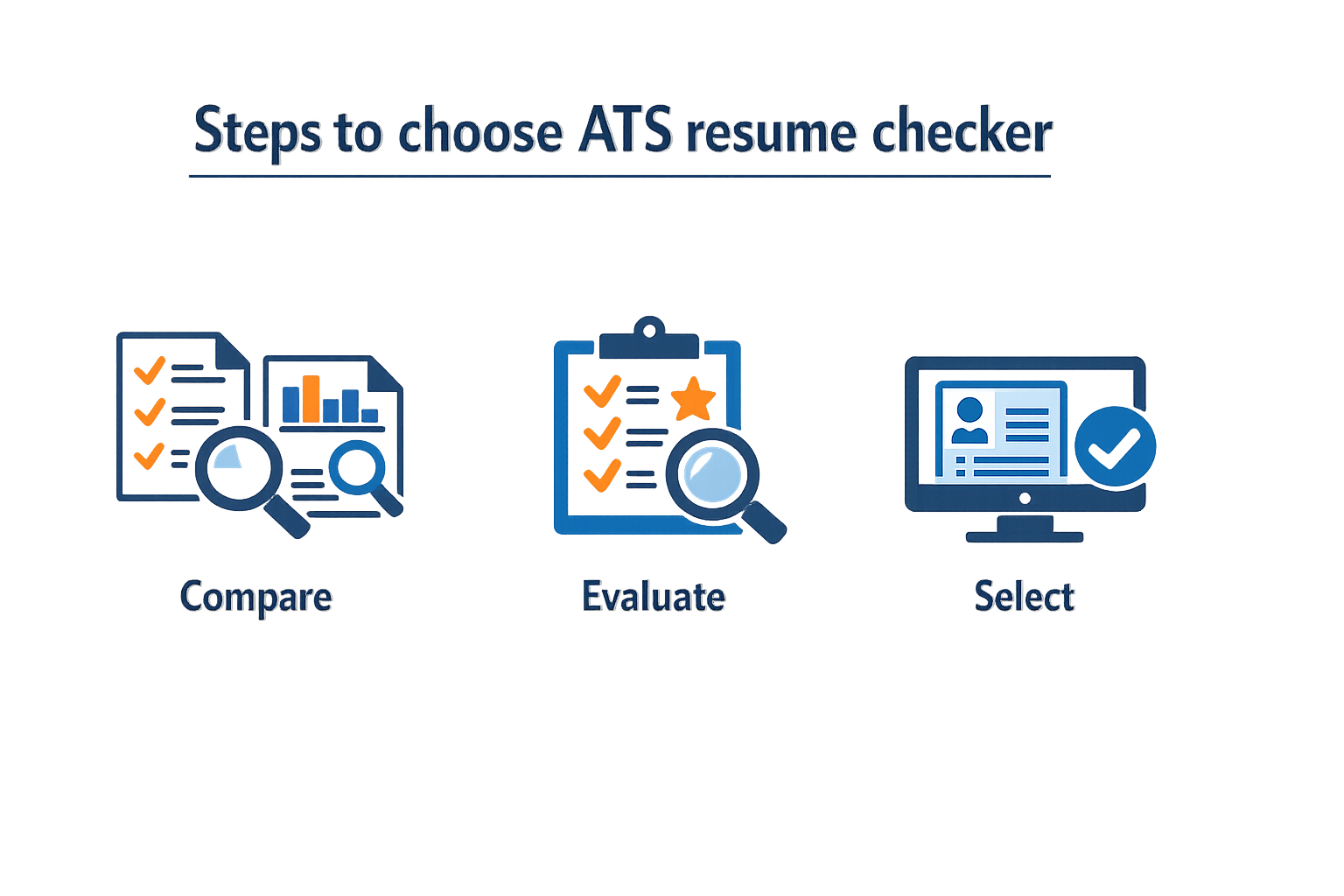
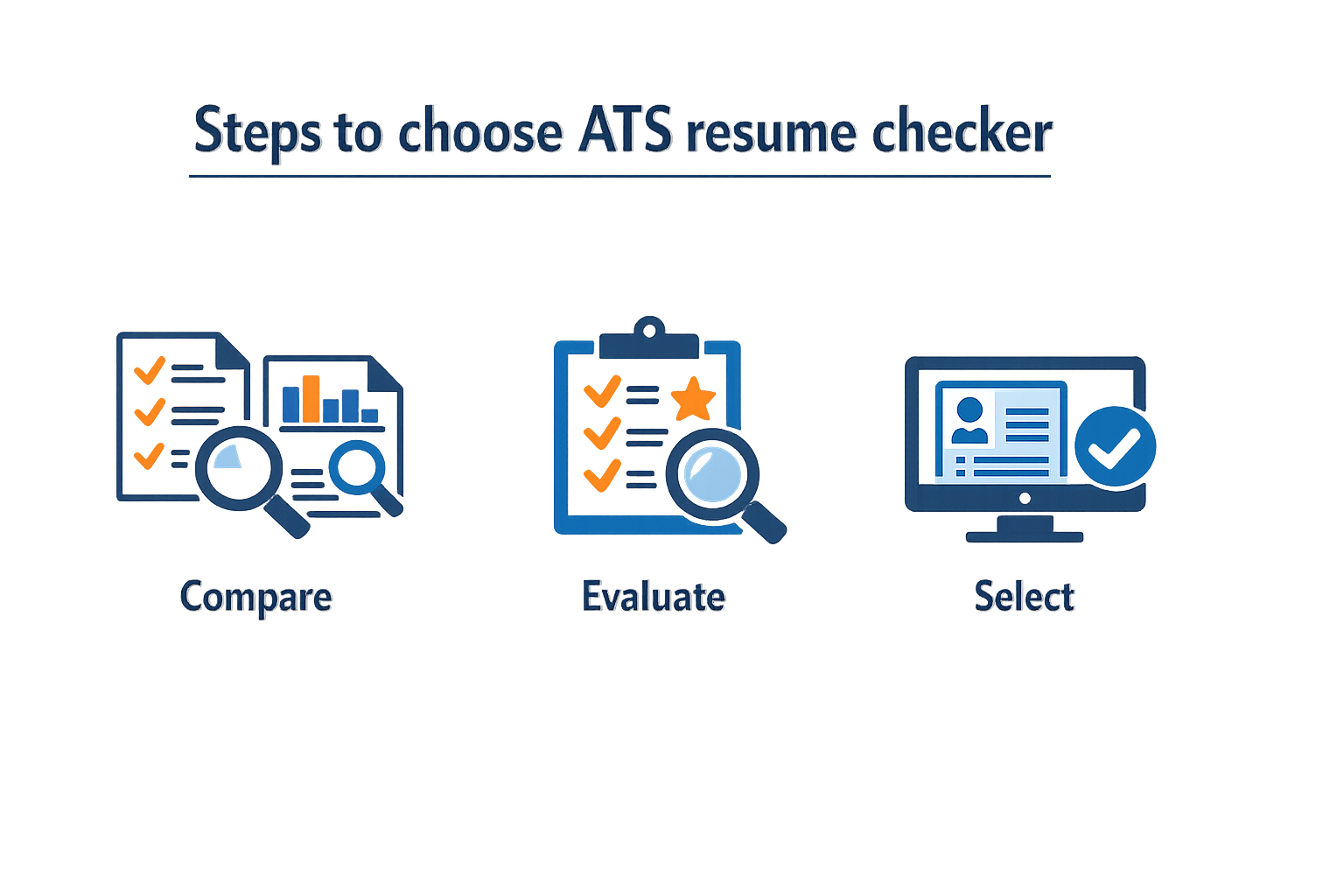
Navigating the crowded landscape of free ATS resume checkers requires a systematic approach. Not all tools deliver equal value, and many free offerings are designed to upsell rather than genuinely improve your resume. The following steps will help you identify which tools are worth your time and which are simply marketing funnels.
Step 1: Define What You Actually Need
Step 1
Identify your resume's weak points
Before testing any tool, assess your resume's current state. Are you struggling with keyword optimization for specific job descriptions? Do you need formatting guidance? Or are you uncertain whether your resume passes basic parsing requirements? Knowing your specific pain points prevents you from wasting time on tools that address problems you don't have.
Most job seekers benefit from having at least two people proofread their resume before submission. A Free ATS Resume Checker should complement—not replace—human feedback by catching technical issues that reviewers might miss, such as parsing errors or keyword gaps.
Step 2: Test the Tool's Core Functionality
Step 2
Upload a test resume and evaluate the output
Use a real resume (preferably your own) to test the checker. Examine what the tool actually analyzes: Does it provide specific feedback on formatting issues, or does it simply assign a vague score? Does it identify missing keywords from the job description, or does it offer generic advice that applies to any resume? The quality of actionable feedback separates useful tools from score generators.
Step 3: Compare Free Limits Against Your Needs
Free versions typically impose constraints: limited scans per month, restricted feedback depth, or withheld premium features. Evaluate whether these limits align with your job search timeline. If you're applying to five jobs per week, a tool that allows only two free scans per month won't serve you well.
| Limitation Type | Acceptable for Casual Users | Problematic for Active Job Seekers |
|---|---|---|
| 2-3 scans/month | Yes, if targeting specific roles | No, insufficient for volume applications |
| Basic formatting feedback only | Yes, if resume structure is solid | No, if keyword optimization is needed |
| No job description matching | Yes, for general resume health checks | No, for tailored applications |
Understanding what features remain locked behind paywalls helps you decide whether the free tier genuinely supports your goals or simply teases functionality you'll need to pay for anyway.
Step 4: Verify the Tool's ATS Knowledge
Many checkers claim ATS compatibility without demonstrating actual understanding of how applicant tracking systems parse resumes. Look for tools that explain why certain formatting choices matter—for example, why tables can break parsing, or why certain header styles cause section misidentification.
A tool that teaches you ATS principles while checking your resume is more valuable than one that simply outputs a pass/fail score.
If the checker provides recommendations, cross-reference them with established ATS resume format guidelines to ensure the advice aligns with recruiter expectations rather than arbitrary rules.
Step 5: Assess Whether Paid Upgrades Are Worth It
After testing the free version, evaluate whether the paid tier offers meaningful improvements or simply removes artificial restrictions. Genuinely useful paid features include unlimited job description matching, detailed keyword gap analysis, or format conversion tools. Less valuable upgrades might include cosmetic resume templates or generic career advice unrelated to ATS optimization.
If the free version provides enough actionable feedback to improve your resume and you can supplement it with human proofreading, paying for premium features may be unnecessary. However, if you're applying to dozens of positions and need rapid iteration, a paid tool with robust features might justify the cost.
Step 6: Combine Tools with Human Review
No automated checker replaces the judgment of an experienced resume reviewer who understands your industry. Use ATS checkers to catch technical issues—parsing errors, keyword gaps, formatting problems—but rely on trusted colleagues or mentors to evaluate whether your accomplishments are clearly communicated and appropriately emphasized.
The most effective approach combines automated checking for technical compliance with human feedback on content quality. This dual-layer review ensures your resume both passes ATS filters and resonates with the hiring manager who eventually reads it.
Tips and Tricks for Using ATS Resume Checkers Effectively
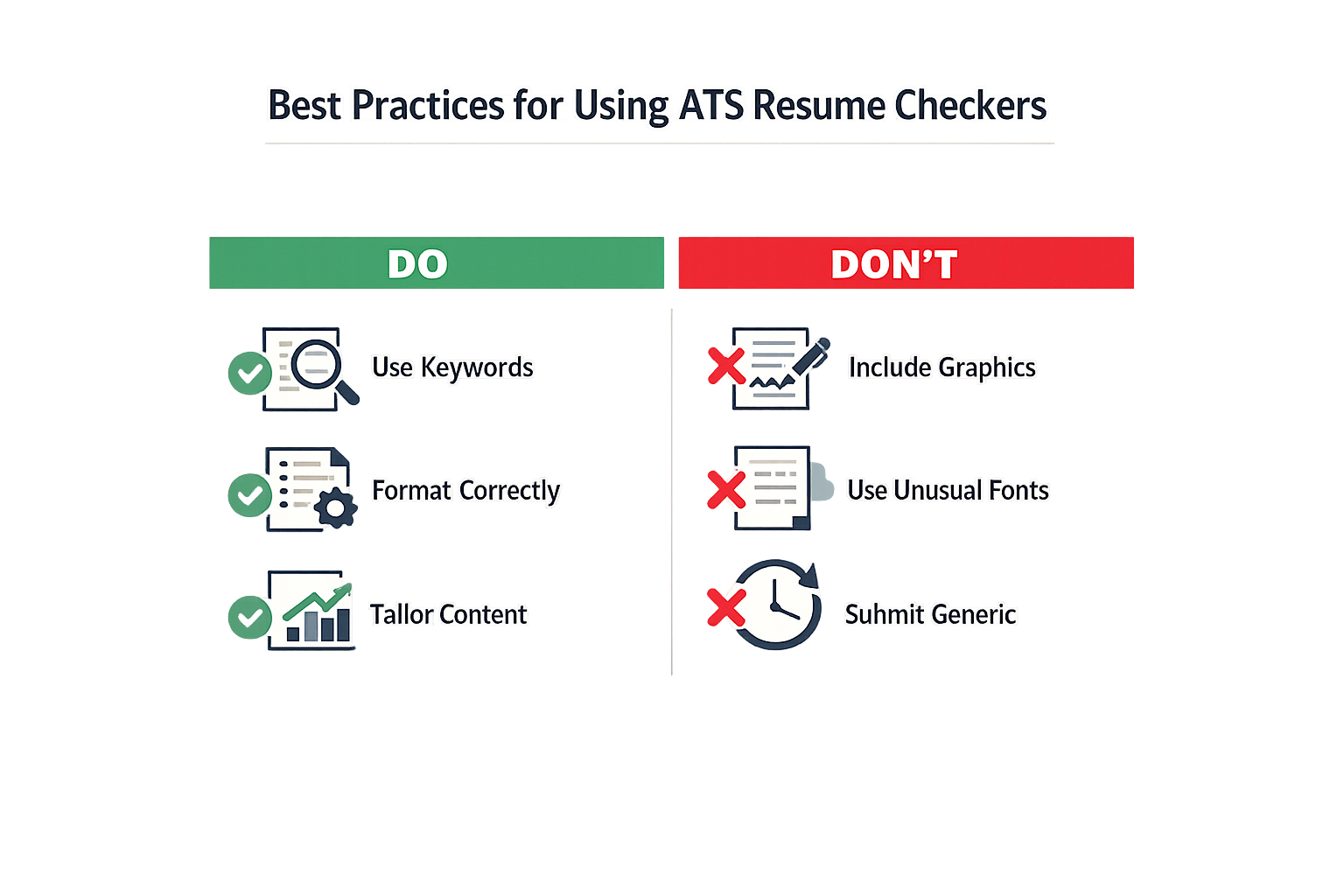
A Free ATS Resume Checker only works if you know what to feed it and what to ignore in the results. Most job seekers run their resume through a checker once, see a score, and assume they're done. That's a mistake. The tool is a diagnostic, not a finish line. Treat it like a spell-checker for your career narrative: it flags problems, but you still need to decide which changes matter and which ones dilute your message.
Focus on What You Actually Built or Owned
Checkers flag missing keywords, but keywords mean nothing if they aren't tied to real work. When you revise based on feedback, prioritize bullets that describe concrete achievements—what you built, what you owned, what you delivered. Generic phrases like "responsible for" or "assisted with" pass ATS filters but fail human readers. If the checker suggests adding a skill term, embed it in a sentence that proves you used it: "Reduced processing time by 30% using Python automation" beats "Proficient in Python" every time.
Keep Typos Under Two
Research shows that the number of typos is one of the most predictive attributes of resume quality. A single typo might slide; three or more signal carelessness. Free checkers rarely catch context errors—"lead" versus "led," or "mange" instead of "manage"—so run your resume through a grammar tool separately, then use the ATS checker to confirm formatting didn't break anything. If your checker's output introduces new errors (some do when they reformat), revert and fix manually.
Test Multiple Checkers if the First One Feels Off
No two checkers use identical logic. If one tool gives you a 45% match and flags half your experience as irrelevant, try a second checker before you rewrite everything. Look for consistent feedback across tools: if three checkers all say your contact header is unreadable, that's real. If only one flags your job titles as problematic, it's probably a quirk of that tool's parser. For guidance on what recruiters actually prioritize, see our breakdown of ATS résumé format best practices.
The tool is a diagnostic, not a finish line—use it to surface problems, then apply judgment to decide which fixes strengthen your story.
Ignore Scores That Demand Perfection
A 92% score from a free checker often means you've over-optimized for the algorithm and under-optimized for the hiring manager. If hitting 95% requires you to remove a standout project or flatten your language into buzzword soup, stop. Recruiters skim for signal, not compliance. A resume that scores 70% but tells a clear story about impact will outperform a 98% keyword salad every time. Use the checker to catch formatting breaks and obvious gaps, then trust your narrative.
Write an "About" Section That Sounds Like You
Many free checkers ignore or downplay summary sections, but hiring managers read them. If your tool says to delete your summary to boost your score, ignore it. A well-written "About" or professional summary—one that reads like a smart person who cares wrote it—gives context that bullet points can't. Keep it concise (three to four sentences), skip the clichés ("detail-oriented team player"), and make it specific to the work you do best.
Recheck After Every Major Edit
ATS parsers are brittle. Changing your header layout, adding a column, or switching fonts can break what was working. If you revise based on checker feedback, run the tool again before you submit. This is especially true if you're tailoring your resume for different roles: a keyword tweak that works for one job description might confuse the parser for another. Treat each submission as a fresh test.
Conclusion
Free ATS resume checkers offer a starting point for job seekers who want to understand how applicant tracking systems process their documents, but the distinction between "free" and "actually useful" often comes down to depth, accuracy, and actionable guidance. Most free tools provide basic formatting checks and keyword scans, while paid versions deliver detailed scoring, industry-specific recommendations, and side-by-side comparisons that reveal exactly where a resume falls short.
The real value of any checker—free or paid—lies in how it helps you understand that ATS systems contextualize rather than reject applications. Recruiters still make the final call. A tool that inflates your score to 92% without showing you the gaps does less for your job search than one that gives you a 35% and explains precisely what needs fixing. Free checkers can highlight obvious formatting errors and missing keywords, but they rarely offer the nuanced feedback required to compete in saturated applicant pools.
For job seekers on a budget, combining a free checker with manual review and targeted research into what recruiters actually look for often yields better results than relying on a single tool's verdict. Paid tools justify their cost when they save hours of guesswork, provide role-specific templates, and deliver feedback that directly translates into interview invitations. Ultimately, the best ATS resume checker is the one that moves you from uncertainty to clarity—whether that costs nothing or requires an investment depends on how much precision your job search demands.
Sources(31)
- Ask a Manager (2012)
- interviewing.io (2025)
- Ask a Manager (2019)
- Ask a Manager (2016)
- Ask a Manager (2023)
- Ask a Manager (2020)
- Ask a Manager (2012)
- Ask a Manager (2025)
- Zenodo (CERN European Organization for Nuclear Research) (2026)
- Zenodo (CERN European Organization for Nuclear Research) (2026)
- Ask a Manager (2011)
- Ask a Manager (2020)
- Zenodo (CERN European Organization for Nuclear Research) (2026)
- Ask a Manager (2021)
- DR-NTU (Nanyang Technological University) (2026)
- Ask a Manager (2013)
- Ask a Manager (2014)
- Ask a Manager (2011)
- Ask a Manager (2015)
- Ask a Manager (2013)
- Ask a Manager (2012)
- Ask a Manager (2013)
- interviewing.io (2014)
- Ask a Manager (2014)
- interviewing.io (2013)
- Ask a Manager (2024)
- aam-e7624c462dfba80d (practitioner_guidance)
- aam-af2445fbe73fc621 (practitioner_guidance)
- aam-bf304ab62115a1da (practitioner_guidance)
- iio-9fa7c401faafb2a1 (practitioner_guidance)
- applicant-tracking-systems (working_paper)
Written by
Resume Coach Team
Published October 18, 2026 · 11 min read
Want this kind of read on your résumé?
We'll tell you what's actually working, what's holding you back, and what to fix — in plain English.
Get My Job Match ScoreYou Might Also Like
More articles to help you advance your career

ATS Meaning Resume: Understanding ATS and What Applicant Tracking
Learn what ATS meaning resume entails and how Applicant Tracking Systems work in 2026 to streamline your hiring process and recruitment workflows.

Why a Generic Cybersecurity Resume Won't Work and What Will
Discover why a generic cybersecurity resume won't cut it and learn how to tailor your application for success in the tech industry.

Free ATS Resume Checker: What's Useful and What's Not
Discover what Free ATS Resume Checker tools can and can't do. Learn which features actually help optimize your resume for applicant tracking systems.

What the ATS Resume Checker Actually Checks in 2025
Learn what an ATS resume checker actually checks and what it overlooks, helping you craft a resume that passes automated screening systems.