
How to Make Your Resume ATS-Friendly
 John Cronin
Introduction
You've sent out dozens of applications. You're qualified. You've checked the job description three times. And you're still not hearing back.
The problem might not be your experience — it might be that your resume never made it past the Applicant Tracking System. As a former Principal Technical Recruiter at Meta with 25 years in talent acquisition, I've seen strong candidates filtered out because their resumes couldn't be parsed correctly. The ATS doesn't care about your accomplishments if it can't read them.
An ATS-friendly resume is designed with software in mind. It uses clean formatting, standard section headers, and keywords that match the job description. The goal isn't to trick the system — it's to make sure the system can accurately represent your qualifications to the recruiter who reviews the shortlist. When 90% of Fortune 500 companies use ATS to manage high volumes of applications, understanding how to format your resume for these systems isn't optional.
This guide walks through the practical steps to create an ATS-friendly resume that passes automated screening and gets your application in front of a recruiter. You'll learn what formatting choices help, which ones hurt, and how to align your resume with the job description without misrepresenting your background. If you're new to the concept, start with what an ATS-friendly resume actually is before diving into the formatting details here.
The difference between a resume that gets screened out and one that moves forward often comes down to small, fixable choices. Let's walk through them.
Understanding the ATS Problem
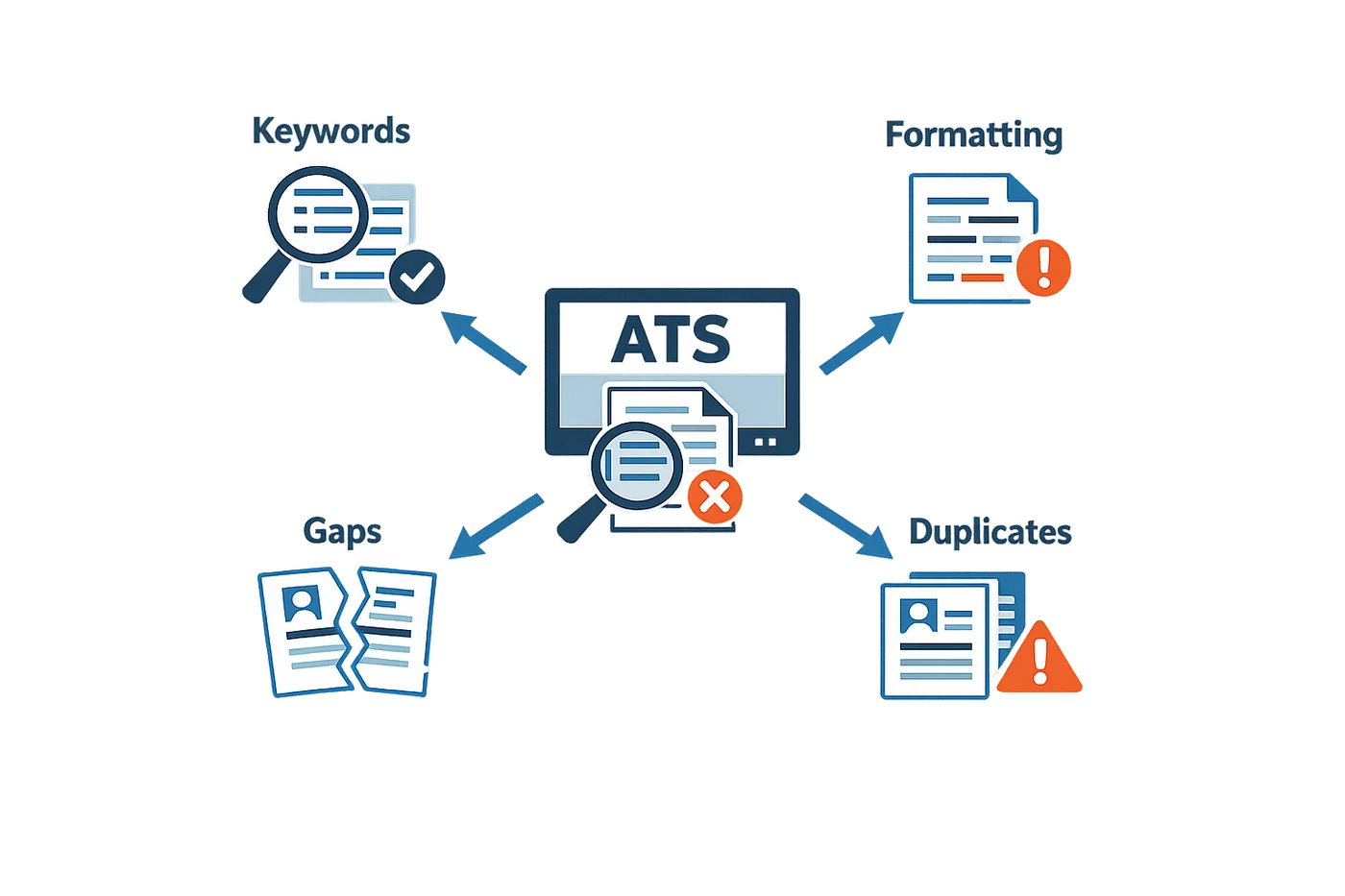
Most candidates never see the inside of a recruiter's inbox. Their resumes get filtered out before a human ever opens the file. The software doing the filtering — the applicant tracking system — isn't reading your resume the way a person would. It's parsing text, hunting for keywords, and trying to map your experience into predefined fields. When the format confuses the parser, your resume gets scored lower or rejected outright.
I've watched thousands of strong candidates get filtered out because their resume used a table for the header, or because they listed their job title in a text box that the ATS couldn't read. The candidate had the skills. The resume just didn't survive the first pass.
Why Formatting Breaks ATS Parsing
ATS software expects plain text in a predictable structure. Headers, footers, tables, text boxes, and multi-column layouts break that expectation. When the parser hits a table, it often reads left-to-right across both columns, jumbling your job title with your contact information. When it hits a footer, it might pull that text into the body of your work history. The result: your experience looks garbled, incomplete, or out of order.
Simple formatting survives parsing. That means standard fonts, single-column layout, and section headings that the software recognizes — like "Work Experience" or "Education." Bullet points are fine. Fancy fonts, borders, shading, and colored text are not.
What the ATS Scans For
The system isn't just looking for job titles and dates. It's scanning for keywords from the job description, brand names, competitors in your industry, and sometimes even the universities you attended. If the hiring manager configured the system to prioritize candidates who worked at a competitor or who studied at a target school, the ATS will rank those resumes higher.
You won't always know what the system is prioritizing, but you can assume it's looking for exact matches to the language in the job posting. If the posting says "project management," and your resume says "managed projects," the ATS might not connect them. If you want to learn more about how these systems evaluate resumes, see What the ATS Resume Checker Actually Checks in 2025.
The ATS doesn't interpret context. It matches strings. Your job is to give it the strings it's hunting for.
The Chronological Order Expectation
ATS software expects your work history in reverse chronological order — most recent job first. If you list jobs out of sequence, or if you use a functional resume format that groups skills instead of listing jobs by date, the parser gets confused. It might assign the wrong dates to the wrong roles, or it might fail to extract your job history at all.
Recruiters configure the system to filter by recency. If your most recent role doesn't match the job requirements, and the ATS can't figure out what that role was, your resume gets ranked lower. Stick to the standard format: job title, company, dates, bullets describing what you did. The ATS knows how to read that.
Steps to Create an ATS-Friendly Resume
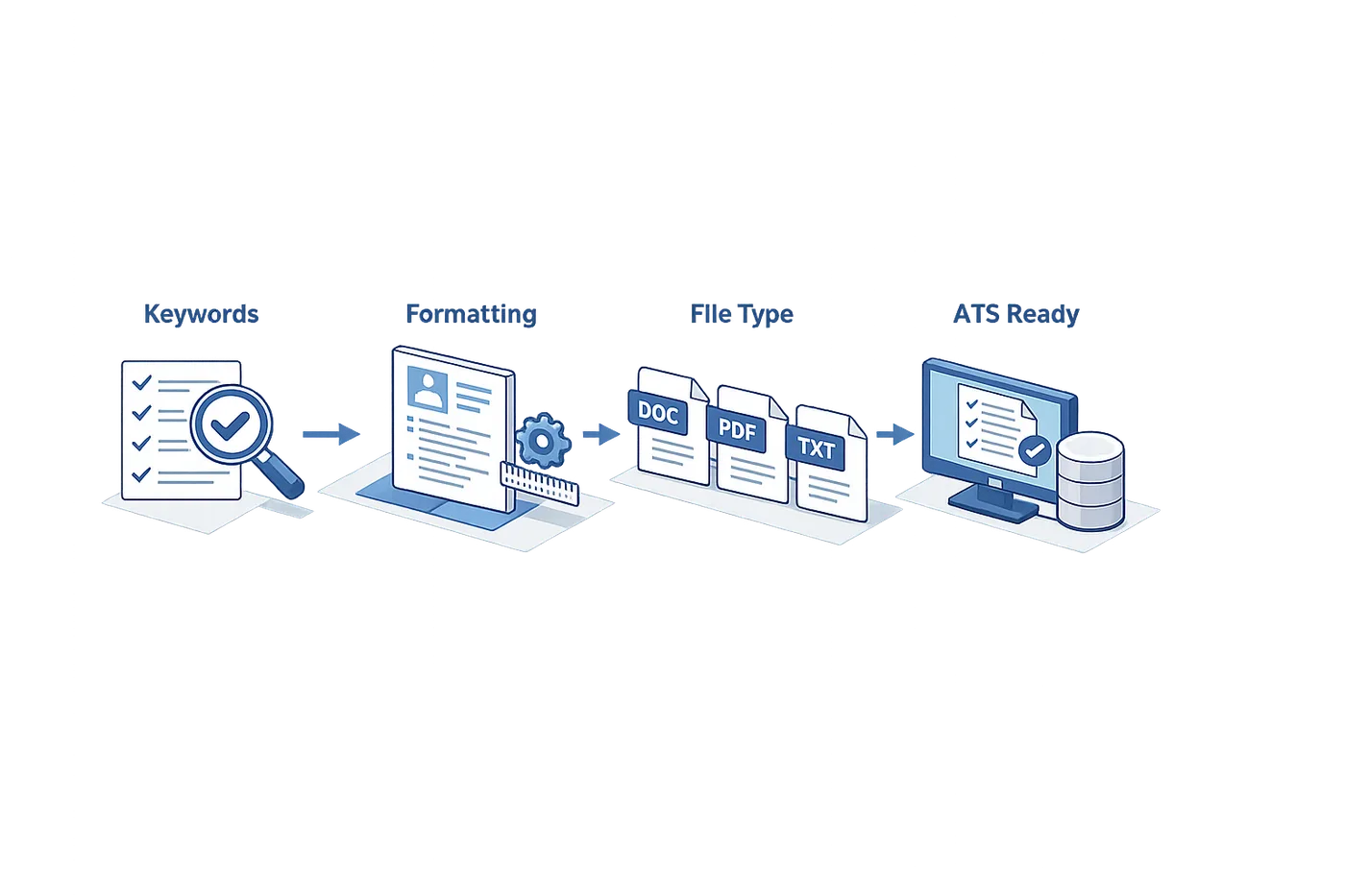
Building an ATS-friendly resume isn't about gaming the system — it's about making sure the system can actually read what you wrote. I've watched thousands of resumes get parsed, and the ones that fail usually aren't failing because the candidate lacks skills. They fail because the ATS choked on a text box or couldn't figure out where the work history starts.
Here's the step-by-step process I walk candidates through when they need to fix a resume that's been disappearing into the void.
Step 1
Use standard section headings
Label your sections with the exact terms recruiters and ATS expect: Education, Professional Experience, Key Skills. The ATS looks for these anchor words to parse your document correctly. Creative headings like "My Journey" or "Where I've Been" confuse the parser and often result in your work history landing in the wrong field — or nowhere at all.
Step 2
Choose a compatible file format
Save and submit your resume as a .docx or PDF file. Most ATS platforms handle both formats well, but .docx tends to be the safer bet if you're unsure. Avoid older formats like .doc or image-based PDFs — they're harder for parsers to process and increase the chance your resume gets flagged as unreadable.
Step 3
Match keywords from the job description
Pull the exact terms the employer uses in the posting and work them into your resume where they're truthful and relevant. If the job asks for "Python" and "data pipeline optimization," and you've done that work, use those phrases. The ATS scores keyword matches, and recruiters search on the same terms when they filter the applicant pool. For more on how ATS resume checkers evaluate keyword alignment, see our breakdown of what these tools actually measure.
Step 4
Avoid complex formatting
Skip tables, text boxes, headers, footers, and graphics. ATS parsers read top-to-bottom, left-to-right, in a single column. Anything that breaks that flow — multi-column layouts, embedded images, fancy borders — risks getting dropped or misread. Stick to simple bullet points, standard fonts, and clean white space.
Why This Sequence Matters
These steps aren't arbitrary. They follow the order the ATS uses to ingest your resume: first it identifies sections, then it extracts text, then it scores content against the job requirements. If step one fails — if the system can't find your work history — steps three and four never happen. Your resume gets a low match score not because you're unqualified, but because the parser gave up.
I've seen strong candidates get filtered out because they embedded their contact info in a header or used a two-column template they downloaded from a design blog. The resume looked great as a PDF. The ATS saw half of it.
Tips and Tricks for ATS Optimization
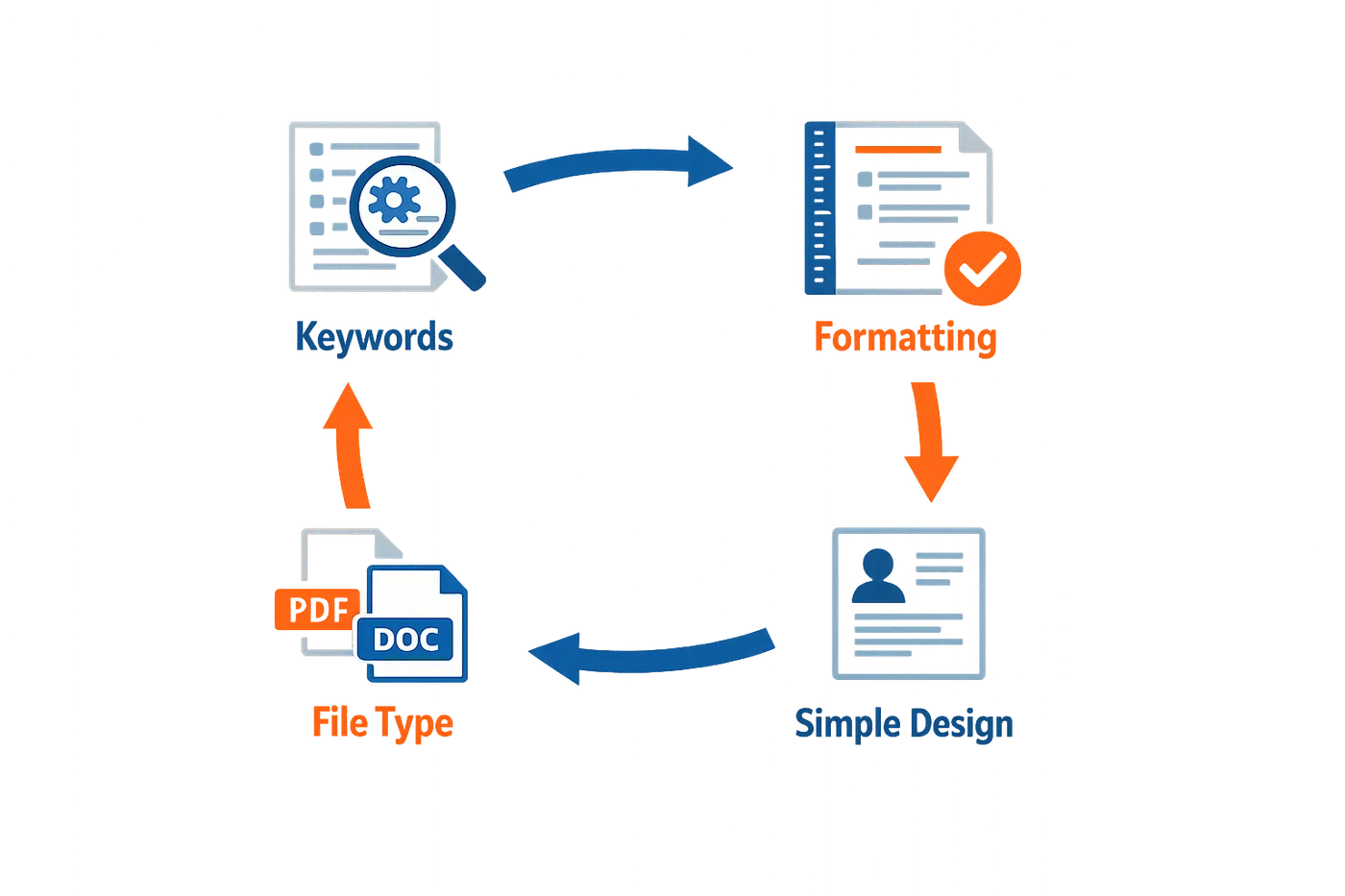
Beyond the fundamental formatting and keyword practices, a few targeted strategies can push your resume from passable to preferred in an ATS environment. These tips address common pitfalls I see when reviewing candidate files that made it through screening but could have ranked higher.
Spell Out Acronyms and Abbreviations
ATS parsers match text exactly. If a job description asks for "Search Engine Optimization" and your resume only lists "SEO," some systems won't connect the two. The safest approach: spell out the full term on first use, then include the acronym in parentheses—"Search Engine Optimization (SEO)." This covers both the keyword variant a recruiter typed and the shorthand version the hiring manager prefers.
Use Standard Fonts and Avoid Complex Formatting
Stick to widely supported fonts—Calibri, Times New Roman, Arial—and resist the urge to embed tables, text boxes, or graphics. ATS parsers read text in a linear flow; a two-column layout or a skills chart inside a graphic can scramble your data or hide it entirely. Hiring managers want a concise, easy-to-scan list of what you've accomplished, not a design portfolio.
All most hiring managers want from a resume: a concise, easy-to-scan list of what you've accomplished, organized chronologically by position.
Keep It Concise and Chronological
ATS platforms handle chronological resumes more reliably than functional formats. A reverse-chronological structure—most recent role first—maps cleanly to the date fields and job-title fields the system expects. Functional resumes, which group skills thematically, often confuse parsers that are hunting for employer names and tenure dates in predictable positions.
Length matters, too. A resume that runs beyond two pages can signal to a recruiter that you haven't edited down to the essentials. If you're applying to free ATS resume checker tools, you'll notice they penalize multi-page submissions that bury key accomplishments on page three.
Use Standard Section Headings
Label your sections with the exact terms ATS software expects: "Experience," "Education," "Skills." Creative headings like "My Journey" or "What I Bring to the Table" may sound engaging, but they confuse parsers trained to recognize conventional labels. When the system can't locate your work history under a recognized heading, it may skip that section entirely or file your resume as incomplete.
FAQ
What makes a resume ATS-friendly?
An ATS-friendly resume uses simple formatting, standard section headings, and keywords from the job description. It avoids tables, text boxes, graphics, and multi-column layouts that confuse parsing software. The goal is to ensure the ATS can extract your qualifications accurately.
Should I use a PDF or Word document for my resume?
Both .docx and PDF formats work with most modern ATS platforms, but .docx is generally safer if you're unsure. Avoid older .doc formats or image-based PDFs, which are harder for parsers to read.
How do I know which keywords to include?
Pull keywords directly from the job posting. Look for required skills, job titles, software names, and industry terms. Use the exact phrasing the employer uses — if they say "project management," write "project management," not "managed projects."
Can creative resume designs hurt my chances?
Yes. Design elements like custom fonts, colored backgrounds, graphics, and multi-column layouts often break ATS parsing. Your resume might look impressive to a human, but the software may read it as garbled text or miss entire sections.
How long should my ATS-friendly resume be?
Keep it to one or two pages. Most recruiters prefer concise resumes that highlight relevant experience without burying key accomplishments. An ATS-friendly resume prioritizes clarity and scannability over length.
Conclusion
An ATS-friendly resume isn't about gaming a system — it's about presenting your experience in a way that both software and recruiters can parse quickly. In my 25 years in technical recruiting, I've watched thousands of qualified candidates lose out because their resume couldn't make it through the first screen. The fix is almost always simple: clean formatting, exact keyword matches, and a structure that maps to how hiring managers think about the role.
The steps in this guide — using standard headings, skipping graphics, matching job-description language, and choosing readable file formats — address the most common failure points I see when screening resumes. None of them require design skills or expensive tools. They require discipline: reading the job post carefully, naming your skills the way the employer names them, and keeping your layout predictable.
If you want to see what an honest resume evaluation looks like — the kind recruiters actually perform — check out what an honest resume score looks like. It walks through the criteria we use when deciding whether a resume moves forward, and it's a lot less mysterious than most candidates expect.
Your resume is a document with one job: get you a phone screen. Make it easy to read, make it keyword-accurate, and make it boring enough that the ATS has nothing to trip over. That's the entire strategy.
Related reading

Written by
John Cronin
Published November 6, 2026 · 9 min read
John Cronin is a talent-acquisition leader with 25 years in recruiting, most recently as a Principal Technical Recruiter at Meta hiring machine-learning and AI engineers. He has been a founding recruiter at GoPro and Chipper Cash and led talent acquisition at Imgur. He writes about what recruiters actually do with your resume.
Want this kind of read on your résumé?
We'll tell you what's actually working, what's holding you back, and what to fix — in plain English.
Get My Job Match ScoreYou Might Also Like
More articles to help you advance your career